
Multi Camera Recorder herunterladen – 16 Kameras gleichzeitig unter Windows & Mac aufnehmen
Suchen Sie nach einer zuverlässigen Möglichkeit, mehrere Video‑Feeds gleichzeitig aufzunehmen? Multi Camera Recorder ist eine spezialisierte Software, die entwickelt wurde, bis zu 16 Kameras gleichzeitig zu erfassen – ideal für Webinare, große Team‑Meetings oder Live‑Events, die über verschiedene Plattformen gestreamt werden. Obwohl das Konzept leistungsstark ist, lässt die Umsetzung zu wünschen übrig. Dieser Testbericht geht tief auf seine Funktionen, Einrichtungs‑Herausforderungen, die Leistung und darauf ein, ob es sich lohnt, das Programm für Ihre Aufnahmebedürfnisse herunterzuladen. Egal, ob Sie Windows, Mac, Android oder iOS verwenden, wir untersuchen, wie dieses Tool in Ihren Arbeitsablauf passt und ob es sein Versprechen der Multi‑Kamera‑Aufnahme einhält.
Hauptfunktionen von Multi Camera Recorder
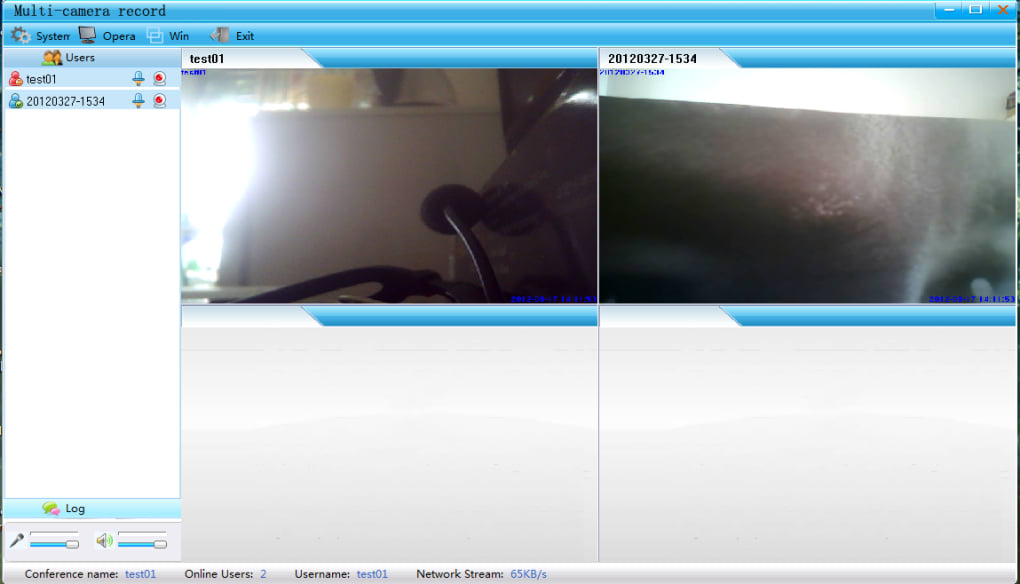
Trotz seiner rauen Kanten bietet Multi Camera Recorder mehrere überzeugende Funktionen, die es in Nischen‑Anwendungsfällen hervorheben. Das Bemerkenswerteste ist die Fähigkeit, bis zu 16 Video‑Quellen gleichzeitig aufzunehmen – perfekt für groß angelegte virtuelle Events, Remote‑Team‑Zusammenarbeit oder Live‑Schulungen, bei denen mehrere Teilnehmer unterschiedliche Webcams nutzen. Diese Funktion allein rechtfertigt seine Existenz für Fachleute im Bildungs‑, Unternehmens‑Training‑ oder Content‑Creation‑Bereich, die umfassende Dokumentation benötigen.
Eine weitere leistungsstarke Funktion ist die Unterstützung der VCR‑Dateikonvertierung. Obwohl dieses Format von gängigen Mediaplayern kaum unterstützt wird, ermöglicht die Software den Nutzern, Aufnahmen in AVI zu konvertieren, was die Kompatibilität verbessert. Das Tool enthält zudem eine integrierte Schnappschuss‑Funktion, mit der Nutzer während der Aufnahme Standbilder von jedem aktiven Kamerafeed erfassen können. Das ist nützlich, um visuelle Referenzen zu erstellen oder Momente aus Live‑Sessions zu teilen.
Die Anpassungsoptionen sind umfangreich. Nutzer können Auflösung, Bildrate, Aufnahmespeicherort und sogar individuelle Capture‑Einstellungen pro Kamera festlegen. Die Benutzeroberfläche ist zwar veraltet, erlaubt jedoch ein gewisses Maß an Kontrolle darüber, wie jeder Feed angezeigt und gespeichert wird. Zusätzlich unterstützt die Software sowohl Audio‑ als auch Video‑Capture, was sie für vollständige Multimedia‑Dokumentation geeignet macht.
Trotz dieser positiven Aspekte untergraben fehlende Dokumentation und mangelhafte Nutzerführung den Wert dieser Funktionen. Viele Nutzer berichten, dass selbst nach korrekter Einrichtung Dateien im Dateisystem verschwinden oder sich nicht in externen Playern öffnen lassen. Das VCR‑Format, obwohl innerhalb der App funktional, verursacht Kompatibilitätsprobleme und schränkt die Flexibilität in der Nachbearbeitung ein. Dennoch bleibt das Tool für Anwender, die rohe Multi‑Source‑Aufnahmen ohne komplexe Streaming‑Plattformen benötigen, eine einzigartige Option – wenn auch mit erheblichen Vorbehalten.
Installation & Usage: A Complex but Functional Setup
One of the biggest hurdles with Multi Camera Recorder is its dual-program architecture. Unlike most recording tools that install as a single application, this software requires two separate components: the Server and the Client. The Server component handles video input and processing, while the Client manages the recording interface and playback. This client-server model is rare in consumer-grade software and adds a layer of complexity that can be overwhelming for beginners.
During installation, the Server must be installed first on the primary machine. Once running, it assigns an IP address and port, which the Client uses to connect. The Client can then be installed on the same machine or on another device on the same network—ideal for distributed setups. However, this setup requires users to manage firewalls, network configurations, and IP addresses manually, which is not beginner-friendly.
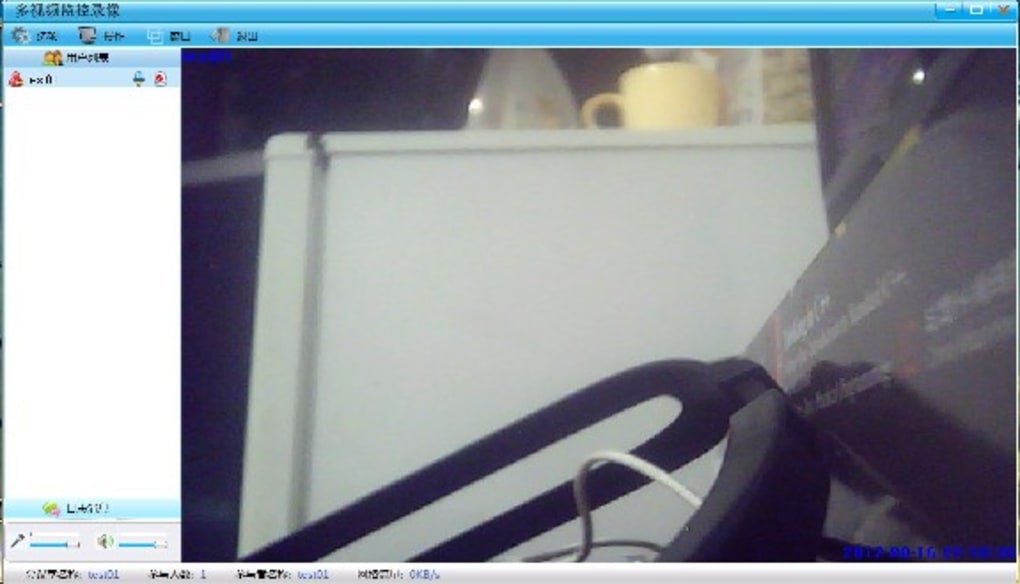
After setup, recording is relatively straightforward. Users can select which cameras to record, set output settings, and start capturing. The interface displays all active feeds in a tiled view, allowing real-time monitoring. However, the lack of tooltips, help files, or tutorials means users are left to figure out functionality through trial and error. For example, locating saved files is not intuitive—users often need to check hidden folders or use the built-in player to access recordings.
Despite the steep learning curve, once configured, the software performs reliably for short sessions. The ability to record multiple sources simultaneously without switching between feeds is a major advantage. However, performance degrades significantly with more than 4–6 active cameras, leading to lag and dropped frames. For users needing stable, high-quality recordings, this limitation is a dealbreaker.
Compatibility & Performance Across Platforms
Multi Camera Recorder is primarily designed for Windows and Mac operating systems. While the official website lists support for both, users have reported inconsistent behavior on macOS, especially with newer versions like Sonoma. On Windows, the software runs best on systems with at least 8GB RAM and a dedicated GPU, though even then, performance issues arise when recording more than 6 cameras.
There is no official Android or iOS version of the software. However, some users have attempted to use the Client on mobile devices via remote desktop tools, but this approach is unreliable and introduces additional latency. The lack of mobile support limits its usability for on-the-go recording or remote monitoring scenarios.
Performance-wise, the software struggles with resource management. Recording 16 cameras simultaneously consumes a significant amount of CPU and RAM, especially when using high resolutions (1080p or above). Users with older hardware may experience freezing, audio sync issues, or dropped frames. The VCR file format, while efficient for internal storage, is not optimized for playback or editing, making post-production cumbersome.
Despite these drawbacks, the software does deliver on its core promise: capturing multiple video streams in real time. For users in controlled environments—such as a studio or dedicated recording room with powerful hardware—it can be a viable solution. However, for casual users or those without technical expertise, the performance trade-offs and compatibility issues make it a risky choice.
Pros and Cons of Multi Camera Recorder
- Pros:
- Records up to 16 cameras simultaneously
- Supports VCR and AVI file format conversion
- Customizable recording settings (resolution, directory, frame rate)
- Snapshot feature for capturing still images
- Client-server architecture allows distributed recording
- Cons:
- Complex dual-install setup (Server + Client)
- No official help files or tutorials
- Files saved in uncommon VCR format (poor compatibility)
- Performance lags with more than 6 cameras
- No mobile support (Android/iOS)
- Files often not visible in file explorer
Frequently Asked Questions (FAQ)
-
Can I use Multi Camera Recorder on Mac and Windows?
Yes, Multi Camera Recorder is compatible with both Windows and Mac operating systems. However, users on macOS may experience stability issues, especially on newer versions. It's recommended to use a machine with at least 8GB RAM and a modern processor for optimal performance.
-
How many cameras can Multi Camera Recorder record at once?
The software supports up to 16 cameras simultaneously. This makes it ideal for large meetings, webinars, or live events where multiple participants are using different webcams.
-
Why are my recordings not showing up in File Explorer?
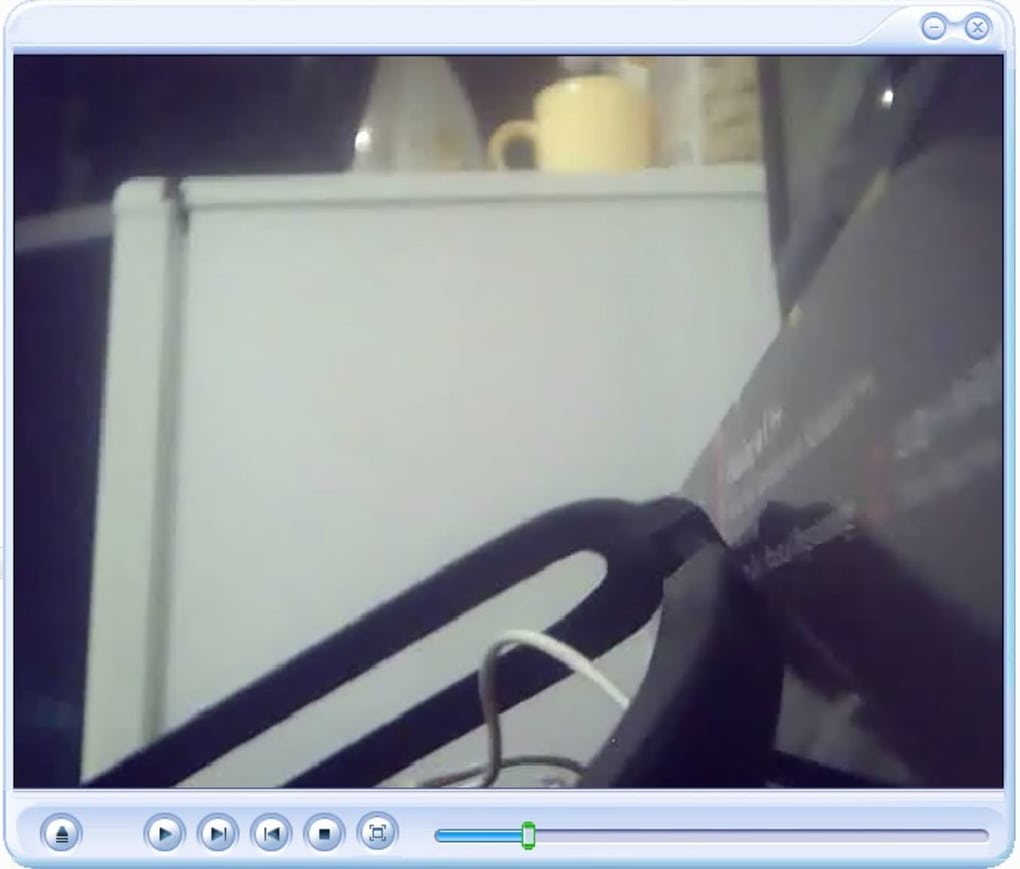
Recordings are saved in a hidden directory within the program’s installation folder. Use the built-in player to locate files, or manually navigate to the "Recordings" folder in the app’s directory. The VCR format may also prevent some file managers from displaying them properly.
-
Is there a free version available?
Yes, Multi Camera Recorder offers a free trial version with full functionality. However, the trial may have time or recording limits. For full access, users must purchase a license.
-
Can I edit recordings after capture?
Yes, the software includes basic editing tools and supports conversion to AVI format, which is more compatible with video editors. However, advanced editing features are limited, and users may need to use external software for full post-production.
Final Verdict: Is Multi Camera Recorder Worth It?
While Multi Camera Recorder offers a unique solution for capturing multiple video feeds at once, its usability issues and technical limitations make it a poor choice for most users. The complex setup, lack of documentation, and reliance on the uncommon VCR format significantly hinder the user experience. Performance degrades quickly with more than a few active cameras, and file accessibility remains a persistent problem.
For professionals in niche fields—such as live event producers, training coordinators, or researchers needing multi-angle documentation—this software might be worth the effort. But for the average user, a simpler alternative like screen recording with OBS Studio or a dedicated webinar platform offers better reliability and ease of use.
If you’re determined to try it, download Multi Camera Recorder for free to test its capabilities. Just be prepared for a steep learning curve and potential frustration. For most, however, the hassle isn’t worth the reward.
Download Multi Camera Recorder today and see if it meets your multi-camera needs—but only if you’re ready to troubleshoot.







